Google Play Console kit · package org.talktoai.zeroone
Upload ZERO ONE to your Play account
Your developer account is already paid. Open Console, create the app once, then drag the AAB from this kit.
2. Download upload files
AAB for Play (signed) APK sideload Upload certificate (.pem) Feature graphic Screenshot 1 Screenshot 2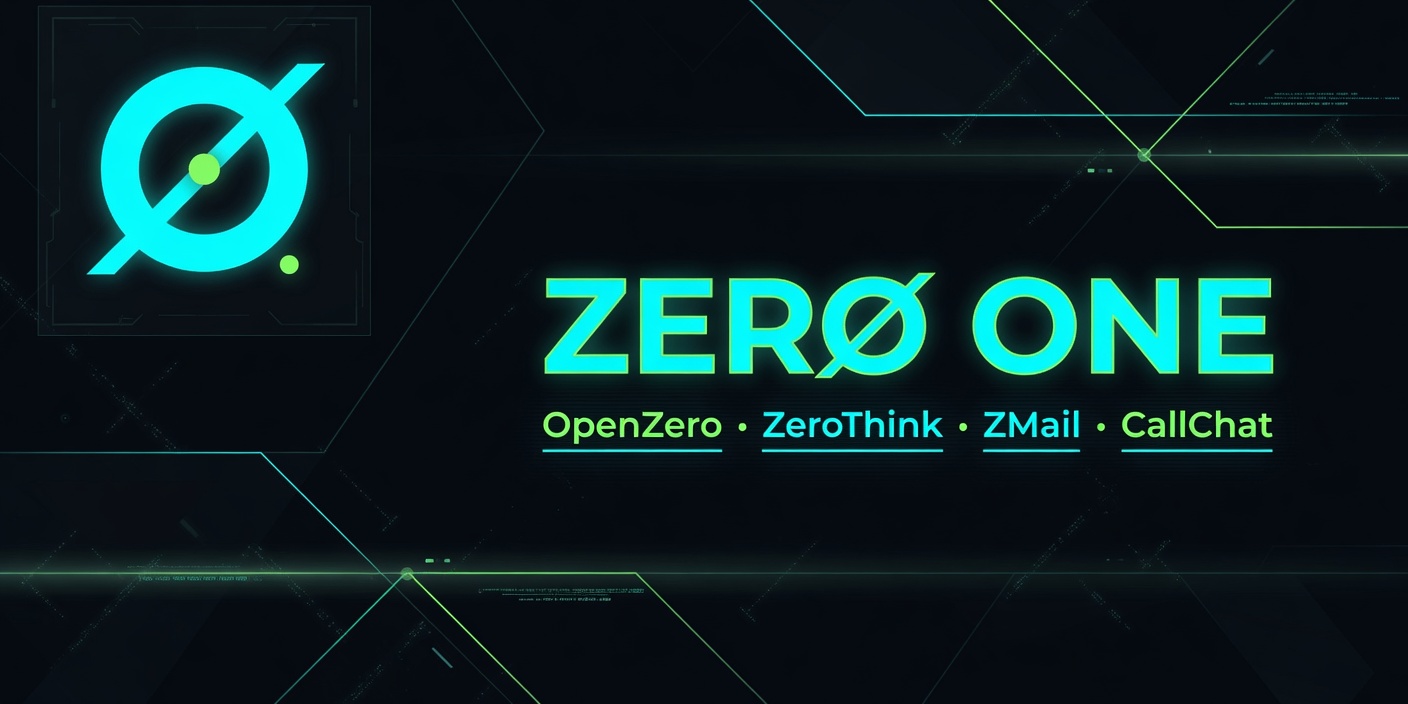
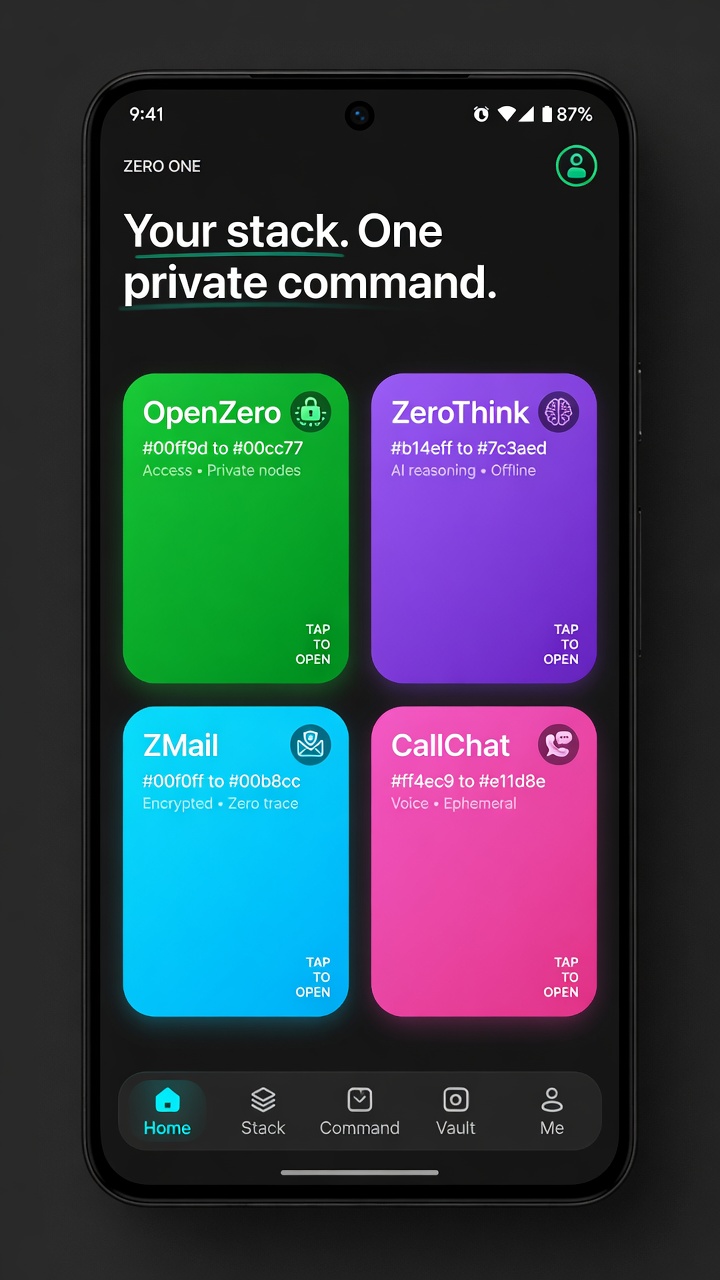
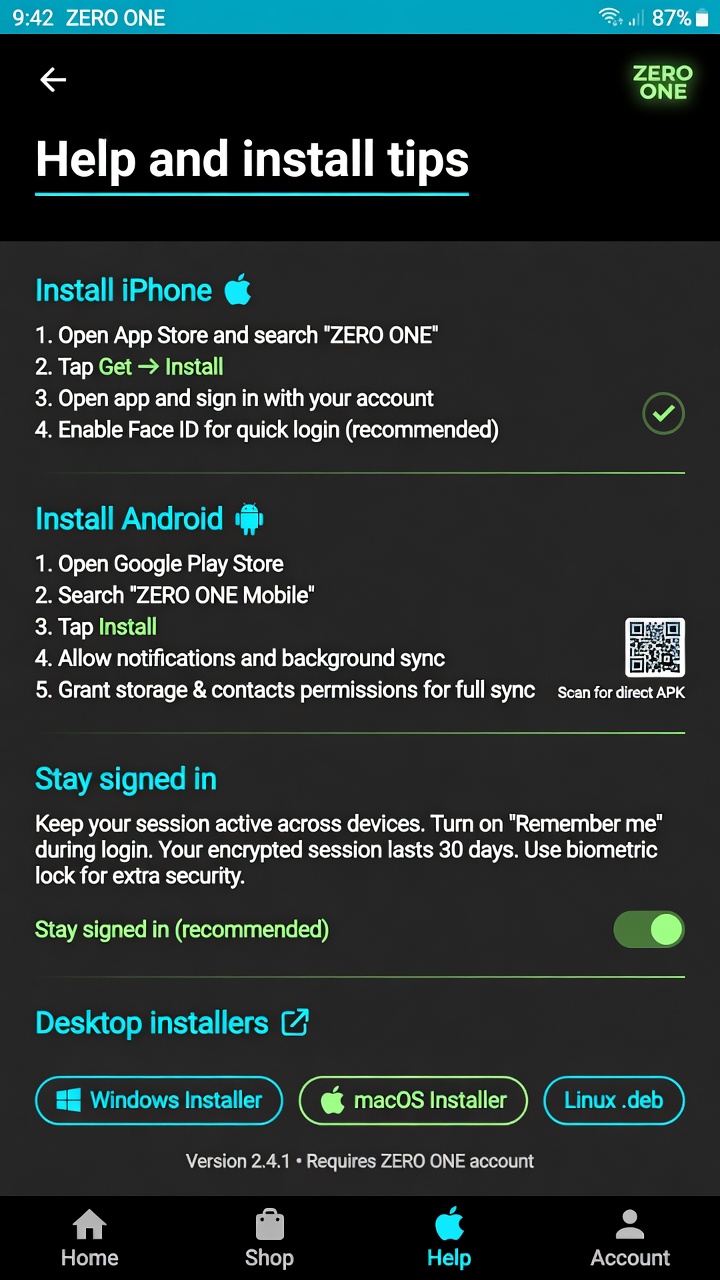
3. Listing text (copy)
Title: ZERO ONE
Short: Private shell for OpenZero, AgentZero, ZMail & CallChat — one calm app.
Privacy: talktoai.org/ZeroOne/privacy-mobile
Full description file · Data safety guide · Key fingerprints
4. After first Console create — optional API
Invite a Google Cloud service account in Play Console → Users and permissions, save JSON to this PC as ~/.zero-one-secrets/play-service-account.json, then we can upload future builds with one command.
node scripts/play-upload.mjs --track internal